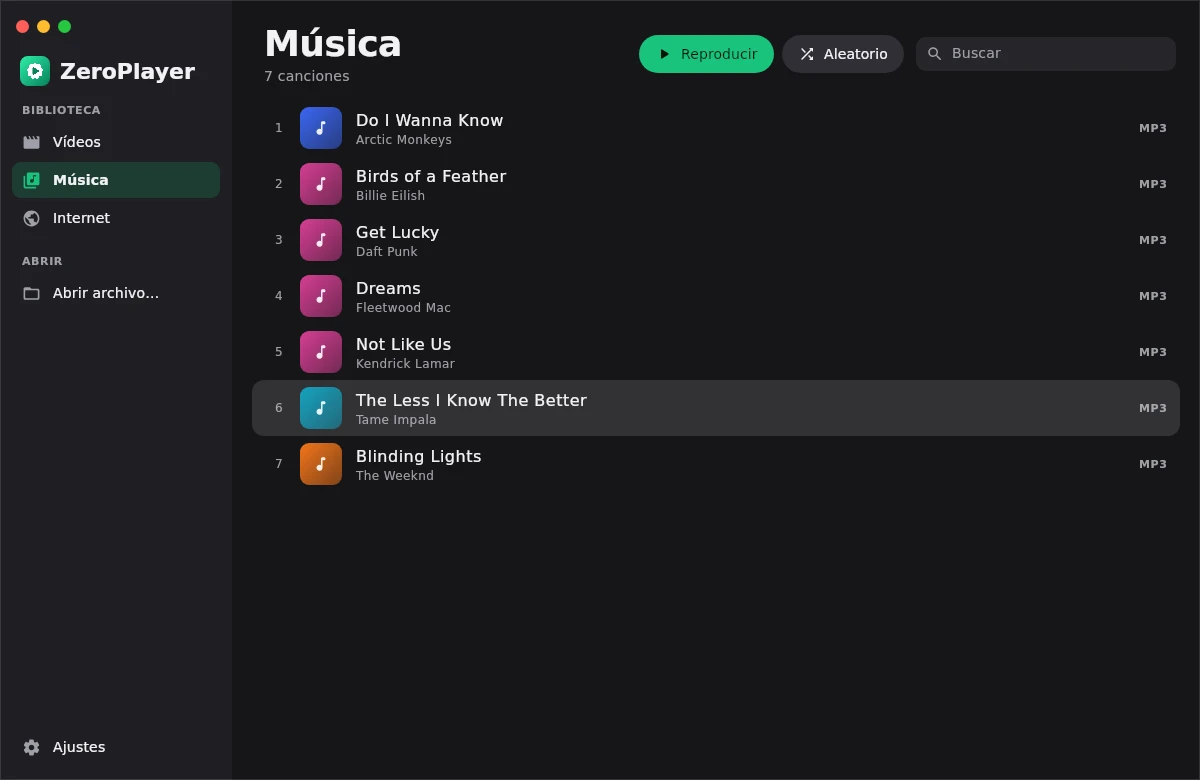
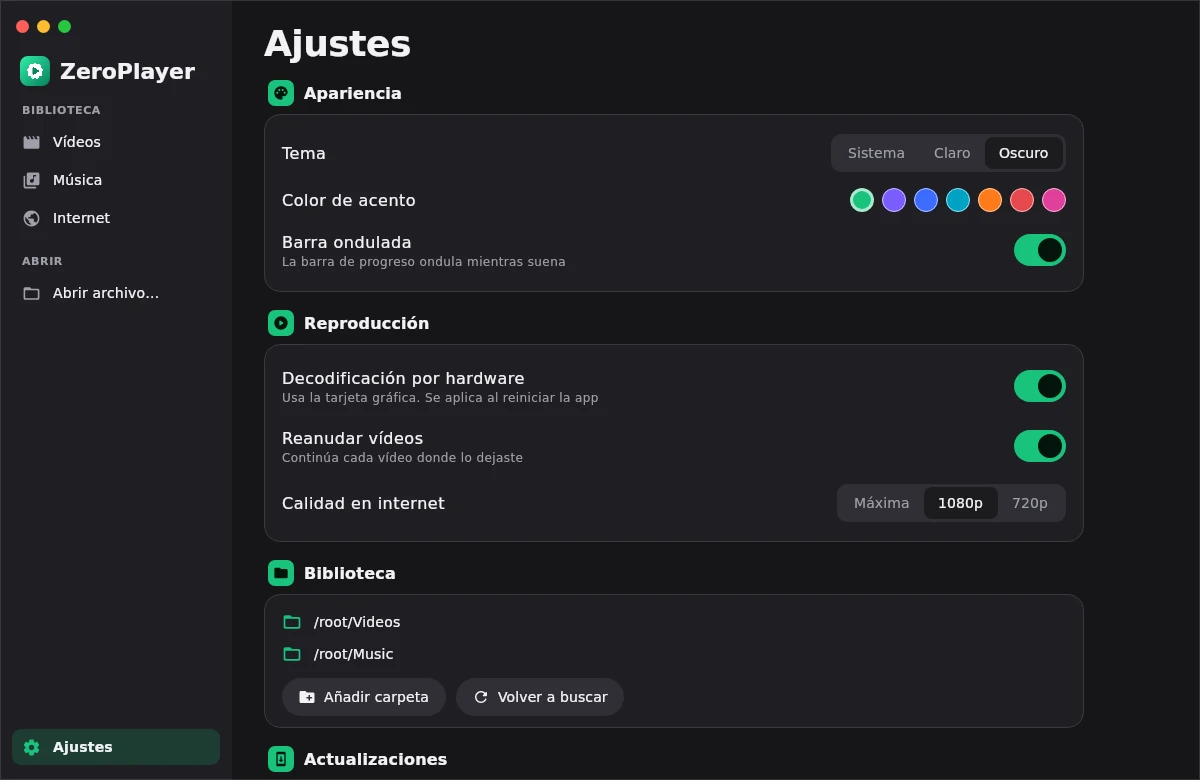
A video and music player with the power of VLC and the soul of Material You. Every format, YouTube and a thousand more sites, on Android and Windows.
Design inspired by PixelPlayer


The VLC engine inside
libVLC decodes practically everything: 4K HDR, subtitles of every kind, multiple audio tracks, network streams and discs on your NAS.
Your library
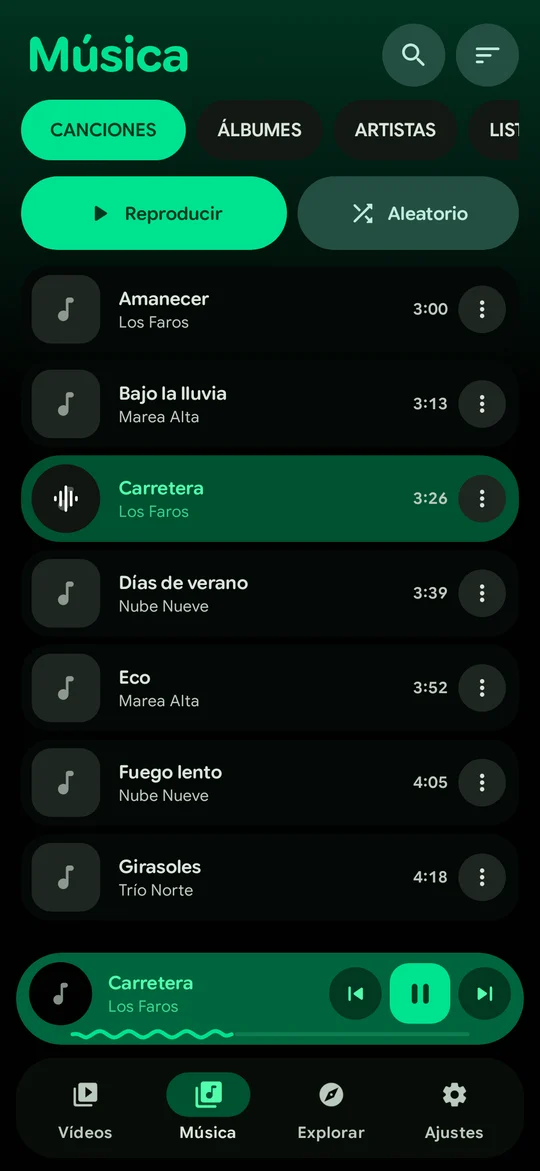
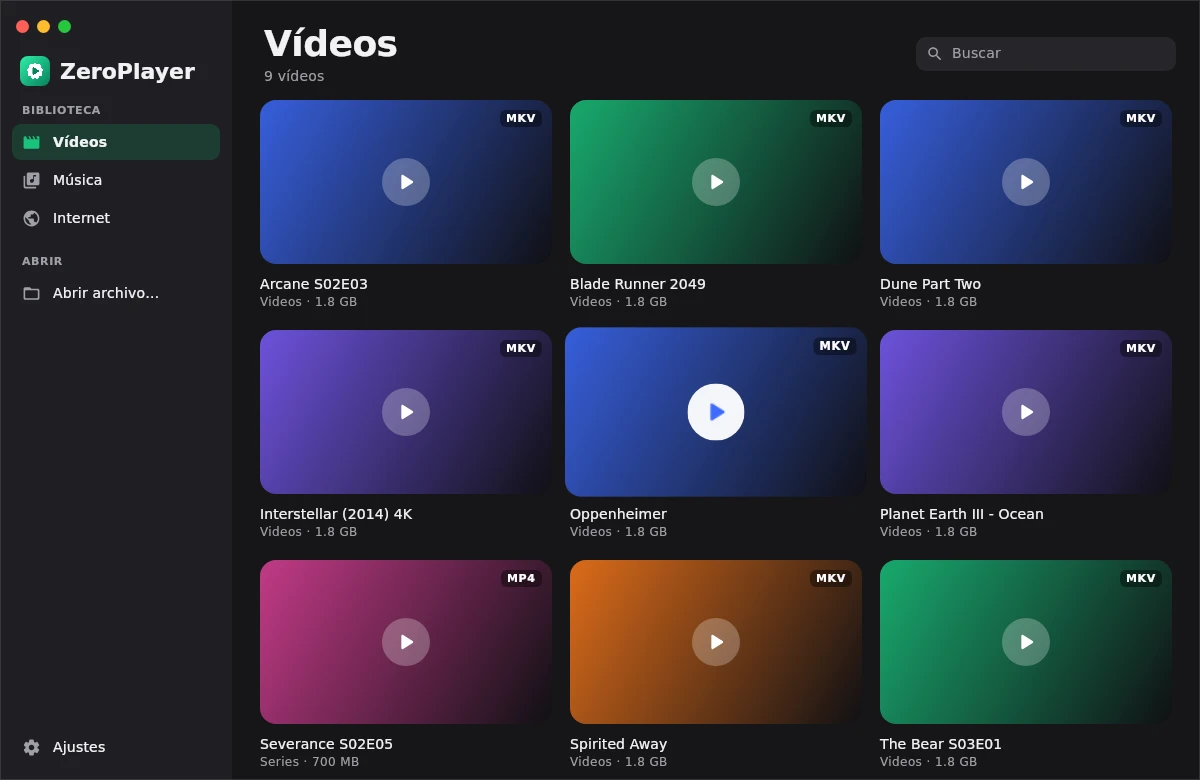
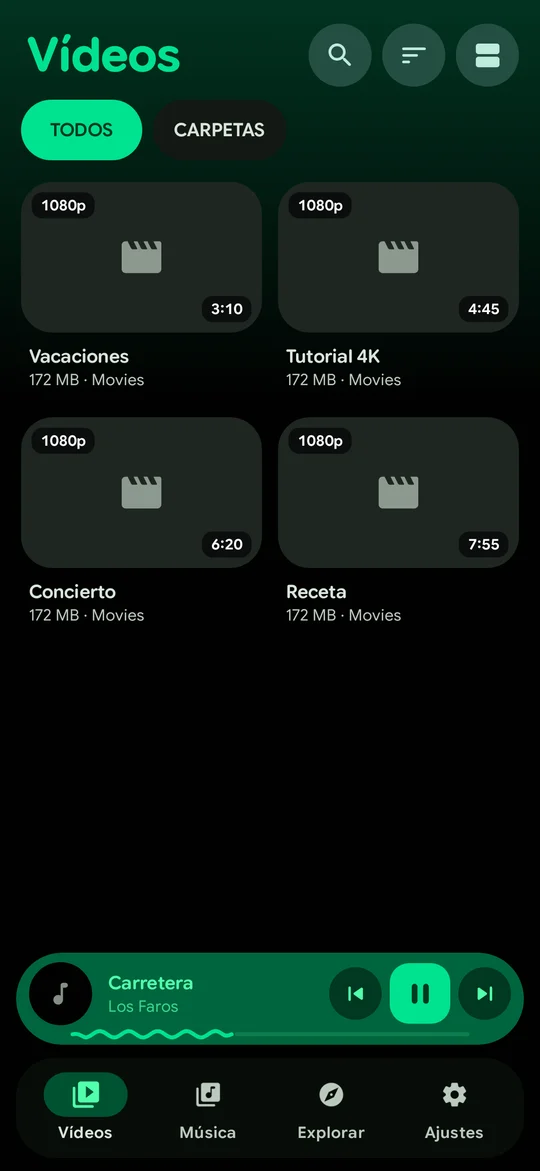
Videos with resume, folders, music by albums and artists. Smooth, springy and always fast.
Music
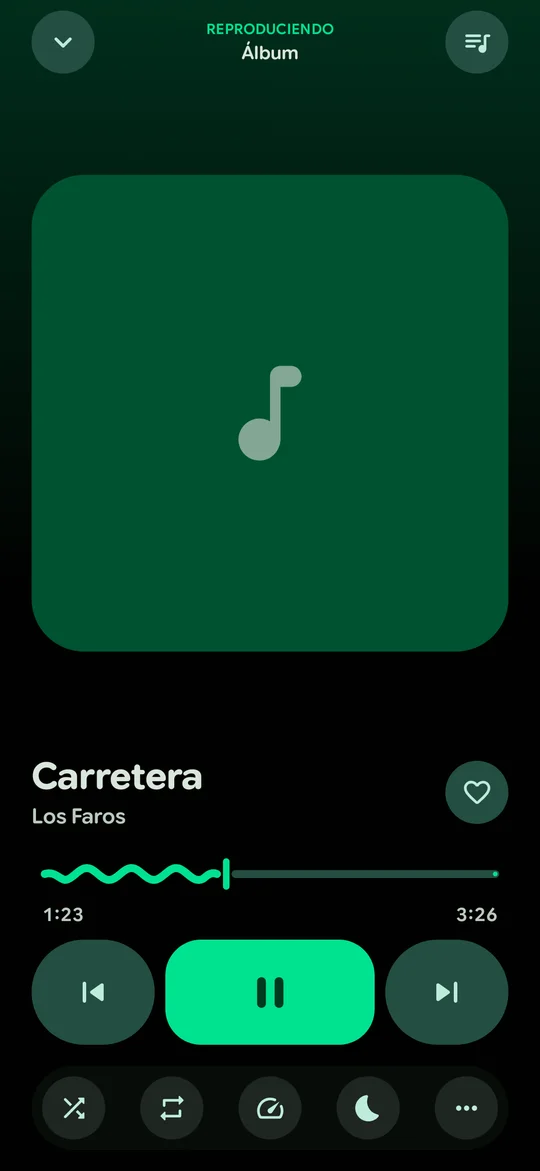
Wavy progress bar, buttons that morph, crossfade between songs and synced lyrics you can translate.
Now playing
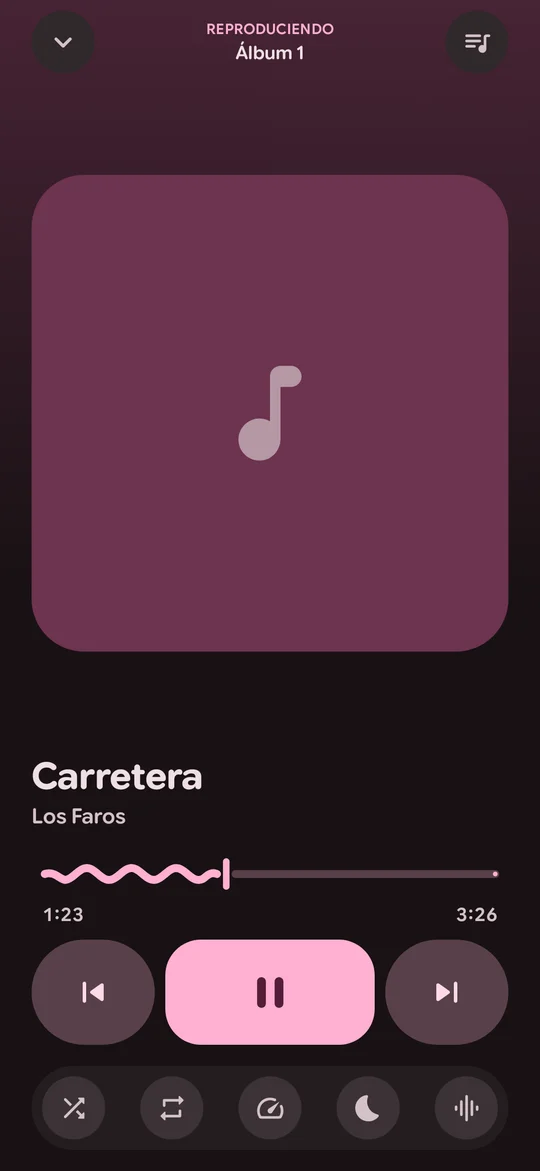
The player takes the colors from the album art, and so do the notification and the lock screen.
Internet
Share from YouTube or the browser to play it right away, or download the video or the MP3.
Expressive animations everywhere: the progress bar waves while it plays and the play button changes shape.
Expressive Material 3 design, inspired by PixelPlayer
And much more
Thanks to yt-dlp, which updates itself every day. Up to 4K, with separate audio, and downloads to your phone or PC.
Automatically skips sponsors, intros and reminders on YouTube.
Recognizes the music playing in your videos and saves it for later.
“Zero, next song”. An offline voice assistant that understands six languages.
Chromecast and compatible speakers, straight from the player.
Skip the intro, the credits and the silences. Next episode with a countdown.
Equalizer with presets, audio sync, spectrum analyzer and maximum quality decoding.
Brightness, volume, seek, pinch to zoom and picture‑in‑picture.
Takes your wallpaper colors. Light, dark and pure black for AMOLED.
New versions download and install from the app itself, with no store.
Now on Windows
The same engine and the same soul, in a clean window with traffic lights. Custom installer, drag and drop, keyboard shortcuts and automatic updates.
Free, no ads, no accounts. Version 1.1.5.
For almost every phone from 2017 on (64‑bit). Android 8 or newer.
Download APKWindows 10 and 11 (64‑bit). Installs without admin rights and updates itself.
Download for Windows32‑bit version for phones from before 2017. If you're not sure, choose the first one.
Download APK (32‑bit)The 64‑bit one (arm64‑v8a) works on practically every phone from 2017 on. Only very old phones need the 32‑bit one. If you choose wrong, Android simply won't install it.
That's normal for apps that don't come from Google Play. Tap “Settings”, allow installing from this source and go back. You only do it once: after that, updates install from the app itself.
The installer isn't signed with a paid certificate. Click “More info” and then “Run anyway”. It installs only for your user, without admin rights.
Free, with no ads, no accounts and no tracking. Your library stays on your device.
Both apps check this site's releases. When there is a new version they show you an animated card, download it and install it in a couple of taps.
YouTube changes often. ZeroPlayer updates its link engine (yt‑dlp) by itself every day, so it usually fixes itself within hours. You can also force it in Settings → Internet and YouTube.